Annual Sale!Get 30% offClaim Now→

Суреттен Промптқа AI Генераторы Тегін Онлайн
Суретіңізді AI көмегімен промпт ретінде сипаттаңыз
Multiple Input Methods
Upload local files or provide image URLs for maximum flexibility
Multilingual Support
Generate prompts in multiple languages to reach a global audience
Detailed Analysis
Get comprehensive image descriptions and type classification
Image To Prompt Examples
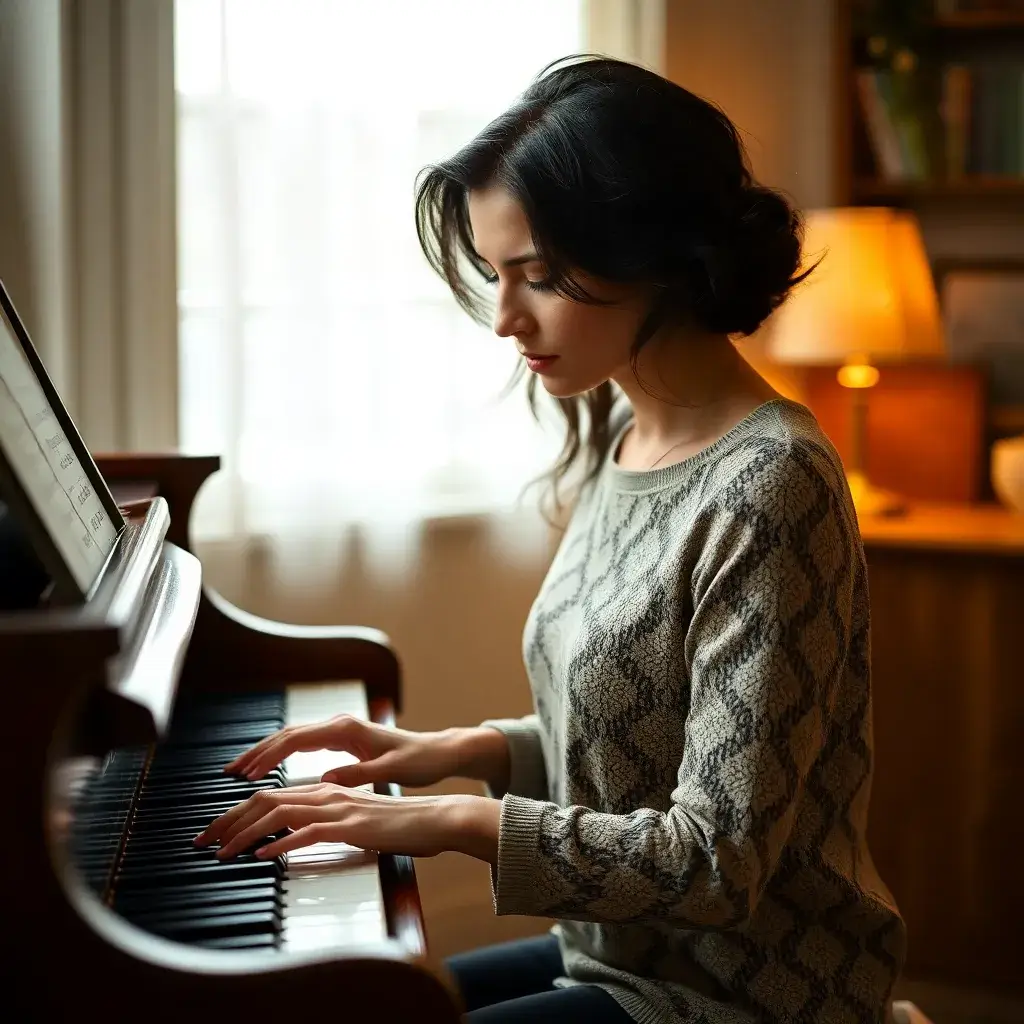
The image captures a lively scene in a wooden hall or gazebo, warmly lit by string lights. A woman is at the center, joyfully playing the accordion and smiling
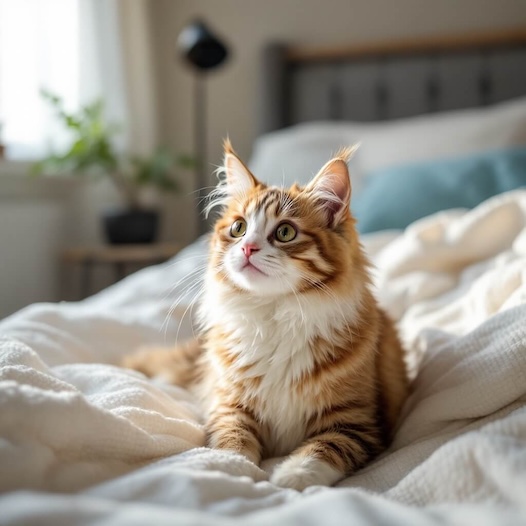
The image showcases a fluffy orange and white cat resting on a bed with soft, crumpled blankets. The cat has large, expressive eyes and a curious expression, gazing upward, suggesting it might be captivated by something above.
What Does an Image-to-Prompt Generator Extract?
An AI image-to-prompt tool reverse-engineers any reference picture into natural-language instructions you can reuse for alt text, creative briefs, or fresh generations. Breaking the output into five building blocks makes it easy to swap just the subject or lighting without losing the visual look:
Subject & Pose
Identifies primary people, objects, expressions, attire, and physical arrangement in the frame.
Framing & Camera
Captures shot distance (close-up, wide, top-down), camera angle, and lens depth of field.
Lighting & Palette
Transcribes directional lighting (golden hour, studio rim, overcast) and dominant color tones.
Material & Texture
Preserves tactile cues such as matte ceramic, rain-wet asphalt, fabric weave, or 35mm film grain.
Style & Medium
Distinguishes candid photography, vector illustration, screen-print poster, or 3D render cues.
How to Adapt an Extracted Prompt for Each AI Model
Modern diffusion and multimodal models interpret extracted descriptions differently—tune a single sentence after copying to match the model you run next:
| Target Model | Cost on Flux1 AI | How to Adapt Your Extracted Prompt |
|---|---|---|
| FLUX.2 Pro | 6 credits (1K) | Convert vague adjectives into concrete lighting and lens notes, and place exact hex color codes (#RRGGBB) or quoted display text where needed. |
| FLUX.1 Kontext Pro | 6 credits | Extract the baseline prompt first, then edit only the delta against your uploaded photo (e.g., "Keep composition and face; change coat to wool olive"). |
| GPT Image 2.6 | 12 credits (1K) | Add explicit layout hierarchy ("top headline", "two columns", "no other text") when turning reference posters or UI screenshots into fresh layouts. |
| Nano Banana Pro | 14 / 28 credits (2K / 4K) | Trim redundant buzzwords and state subject attire, expression, and aspect-appropriate framing directly for sharp 2K–4K portraits. |
Recommended Next Steps
Generate & Remix Directly from Your Prompt
Paste the extracted prompt into our flagship image generators or edit the original photo directly.
FLUX.2 Pro
Best for photorealism, typography, and faithful adherence to long extracted prompts.
Flux Kontext
Upload your source image and modify objects, backgrounds, or styles in seconds.
Nano Banana Pro
Google's 2K–4K photorealistic image generator with strong scene and portrait detail.
Flux 1.1 Pro
Fast, everyday FLUX generation ideal for iterating on prompt variations.
Flux AI туралы жиі қойылатын сұрақтар
- Flux1 AI Суреттен Промптқа функциясы деген не?
Flux1 AI Суреттен Промптқа – суреттерді мәтіндік сипаттамаларға айналдыратын тегін құрал. Бұл AI функциясы сурет мазмұнын талдап, дәл сипаттама жасайды.
- Flux1 AI Суреттен Промптқа тегін бе?
Иә, Flux1 AI Суреттен Промптқа толығымен тегін. Біз AI технологиясын баршаға қолжетімді етуге сенеміз, сондықтан бұл құралды ақысыз пайдалана аласыз.
- Flux1 AI Суреттен Промптқа қалай жұмыс істейді?
Платформамызға суретті жүктеңіз. Біздің AI суретті талдап, оның мазмұнының мәтіндік сипаттамасын жасайды. Бұл процесс жылдам және қосымша енгізуді қажет етпейді.
- Қандай сурет түрлерін қолдануға болады?
Flux1 AI Суреттен Промптқа JPEG, PNG, GIF сияқты кең таралған форматтарды қолдайды. Фотосуреттерді, цифрлық өнерді, скриншоттарды жүктей аласыз.
- Бір уақытта бірнеше суретті қолдануға бола ма?
Қазіргі уақытта Flux1 AI Суреттен Промптқа бір уақытта тек бір суретті өңдеуді қолдайды. Бірнеше сурет үшін жеке-жеке жүктеу керек.
- Жасалған сипаттамаларды реттеуге бола ма?
Flux1 AI Суреттен Промптқа сипаттамаларды автоматты түрде жасайды. Қазіргі уақытта реттеу опциялары жоқ. AI стандартты сипаттама береді.
- Сипаттамалар қаншалықты дәл?
Flux1 AI Суреттен Промптқа дәл сипаттамалар жасау үшін озық AI технологиясын пайдаланады. Ол жалпы элементтерді жақсы анықтайды, бірақ барлық нюанстарды қамтымауы мүмкін.
- Flux1 AI Суреттен Промптқа не үшін пайдалы?
Веб-сайт суреттеріне alt мәтінін жасау (қолжетімділік), әлеуметтік медиа жазбаларына контент жасау, көру қабілеті нашар адамдарға көмектесу немесе AI суреттерді қалай түсінетінін білу үшін.