
Image To Prompt AI Generator Free Online
Describe Your Image as a Prompt with AI
Multiple Input Methods
Upload local files or provide image URLs for maximum flexibility
Multilingual Support
Generate prompts in multiple languages to reach a global audience
Detailed Analysis
Get comprehensive image descriptions and type classification
Image To Prompt Examples
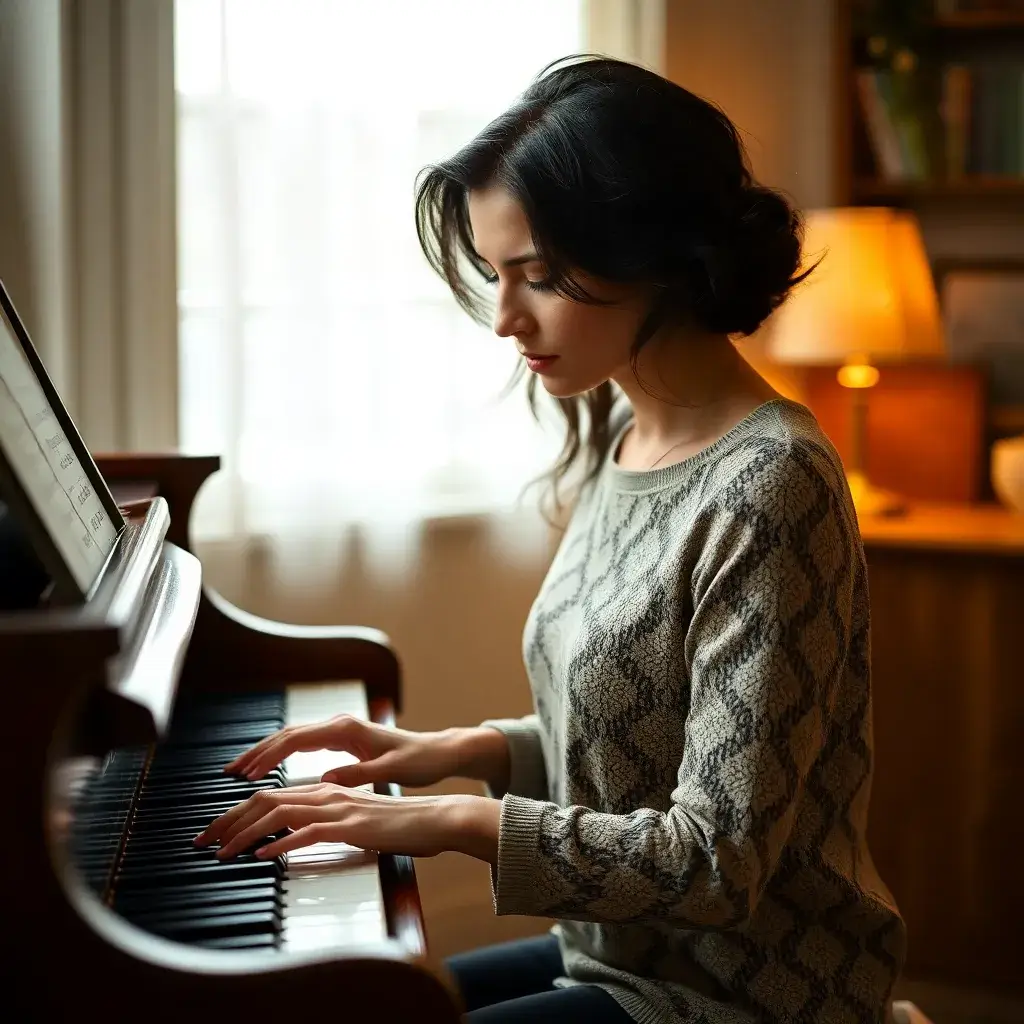
The image captures a lively scene in a wooden hall or gazebo, warmly lit by string lights. A woman is at the center, joyfully playing the accordion and smiling
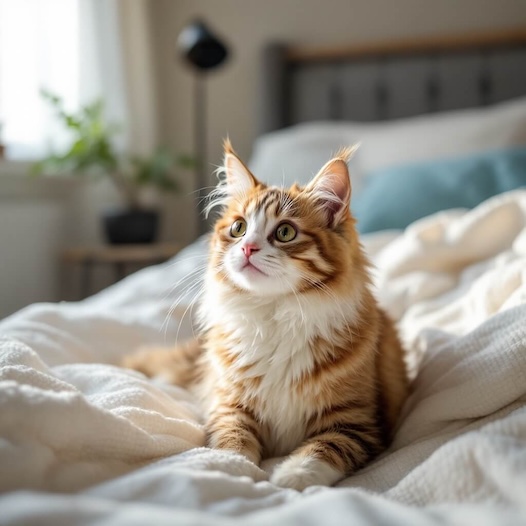
The image showcases a fluffy orange and white cat resting on a bed with soft, crumpled blankets. The cat has large, expressive eyes and a curious expression, gazing upward, suggesting it might be captivated by something above.
What Does an Image-to-Prompt Generator Extract?
An AI image-to-prompt tool reverse-engineers any reference picture into natural-language instructions you can reuse for alt text, creative briefs, or fresh generations. Breaking the output into five building blocks makes it easy to swap just the subject or lighting without losing the visual look:
Subject & Pose
Identifies primary people, objects, expressions, attire, and physical arrangement in the frame.
Framing & Camera
Captures shot distance (close-up, wide, top-down), camera angle, and lens depth of field.
Lighting & Palette
Transcribes directional lighting (golden hour, studio rim, overcast) and dominant color tones.
Material & Texture
Preserves tactile cues such as matte ceramic, rain-wet asphalt, fabric weave, or 35mm film grain.
Style & Medium
Distinguishes candid photography, vector illustration, screen-print poster, or 3D render cues.
How to Adapt an Extracted Prompt for Each AI Model
Modern diffusion and multimodal models interpret extracted descriptions differently—tune a single sentence after copying to match the model you run next:
| Target Model | Cost on Flux1 AI | How to Adapt Your Extracted Prompt |
|---|---|---|
| FLUX.2 Pro | 6 credits (1K) | Convert vague adjectives into concrete lighting and lens notes, and place exact hex color codes (#RRGGBB) or quoted display text where needed. |
| FLUX.1 Kontext Pro | 6 credits | Extract the baseline prompt first, then edit only the delta against your uploaded photo (e.g., "Keep composition and face; change coat to wool olive"). |
| GPT Image 2.6 | 12 credits (1K) | Add explicit layout hierarchy ("top headline", "two columns", "no other text") when turning reference posters or UI screenshots into fresh layouts. |
| Nano Banana Pro | 14 / 28 credits (2K / 4K) | Trim redundant buzzwords and state subject attire, expression, and aspect-appropriate framing directly for sharp 2K–4K portraits. |
Recommended Next Steps
Generate & Remix Directly from Your Prompt
Paste the extracted prompt into our flagship image generators or edit the original photo directly.
FLUX.2 Pro
Best for photorealism, typography, and faithful adherence to long extracted prompts.
Flux Kontext
Upload your source image and modify objects, backgrounds, or styles in seconds.
Nano Banana Pro
Google's 2K–4K photorealistic image generator with strong scene and portrait detail.
Flux 1.1 Pro
Fast, everyday FLUX generation ideal for iterating on prompt variations.
Flux AI frequently asked questions
- What is Flux1 AI Image To Prompt feature?
Flux1 AI Image To Prompt is a free tool that converts images into text descriptions. This AI-powered feature analyzes the content of an uploaded image and generates an accurate, detailed textual description of what it sees.
- Is Flux1 AI Image To Prompt free to use?
Yes, Flux1 AI Image To Prompt is completely free to use. We believe in making AI technology accessible to everyone, so you can use this tool to describe your images without any cost.
- How does Flux1 AI Image To Prompt work?
To use Flux1 AI Image To Prompt, simply upload an image to our platform. Our AI will analyze the image and generate a text description of its contents. This process is quick and requires no additional input from the user.
- What types of images can I use with Flux1 AI Image To Prompt?
Flux1 AI Image To Prompt supports common image formats such as JPEG, PNG, and GIF. You can upload photos, digital art, screenshots, or any other type of image, and our AI will generate a description for it.
- Can I use Flux1 AI Image To Prompt for multiple images at once?
Currently, Flux1 AI Image To Prompt only supports uploading and processing one image at a time. You'll need to upload images individually to get descriptions for multiple images.
- Can I customize the descriptions generated by Flux1 AI Image To Prompt?
Flux1 AI Image To Prompt generates descriptions automatically based on the image content. At this time, there are no customization options available. The AI provides a standard description for each uploaded image.
- How accurate are the descriptions from Flux1 AI Image To Prompt?
Flux1 AI Image To Prompt uses advanced AI technology to generate accurate descriptions. While it's very good at identifying common objects, scenes, and actions, it may not capture every nuance or context. The tool provides a general description of the main elements in the image.
- What are some uses for Flux1 AI Image To Prompt?
Flux1 AI Image To Prompt can be useful for various purposes, such as generating alt text for website images to improve accessibility, helping with content creation for social media posts, assisting visually impaired individuals in understanding image content, or simply satisfying curiosity about how AI interprets images.