Annual Sale!Get 30% offClaim Now→

Generated Result
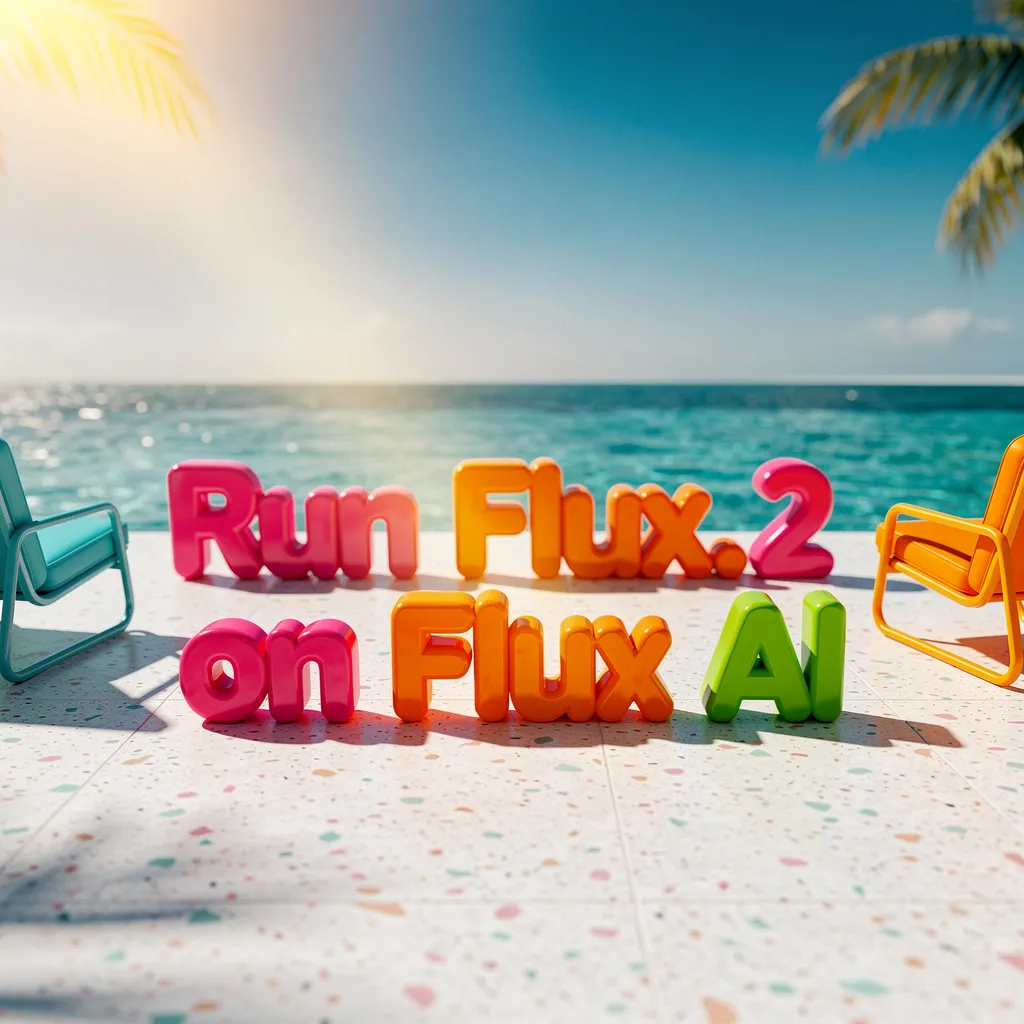
Flux 2 Klein - Fast AI Image Generator
Create high-quality images fast. Write a prompt, add reference images if needed, and generate results for marketing, design, and content in seconds.
Flux 2 Klein


Flux 2 Klein FAQ
Have a different question and can't find the answer you're looking for? Reach out to our support team by sending us an email and we'll get back to you as soon as we can.
What is Flux 2 Klein?
Flux 2 Klein is a fast AI image generator from the FLUX model family. Type a prompt, get a high-quality image in seconds. It also lets you edit images by uploading references and describing changes. Good for both creating from scratch and tweaking existing visuals.
What makes Flux 2 Klein different?
Speed, mainly. It's one of the fastest Flux models out there. Text rendering is solid—logos and words actually come out readable. The multi-reference feature is useful too: upload a few images and the AI keeps things consistent across generations.
What can I create with Flux 2 Klein?
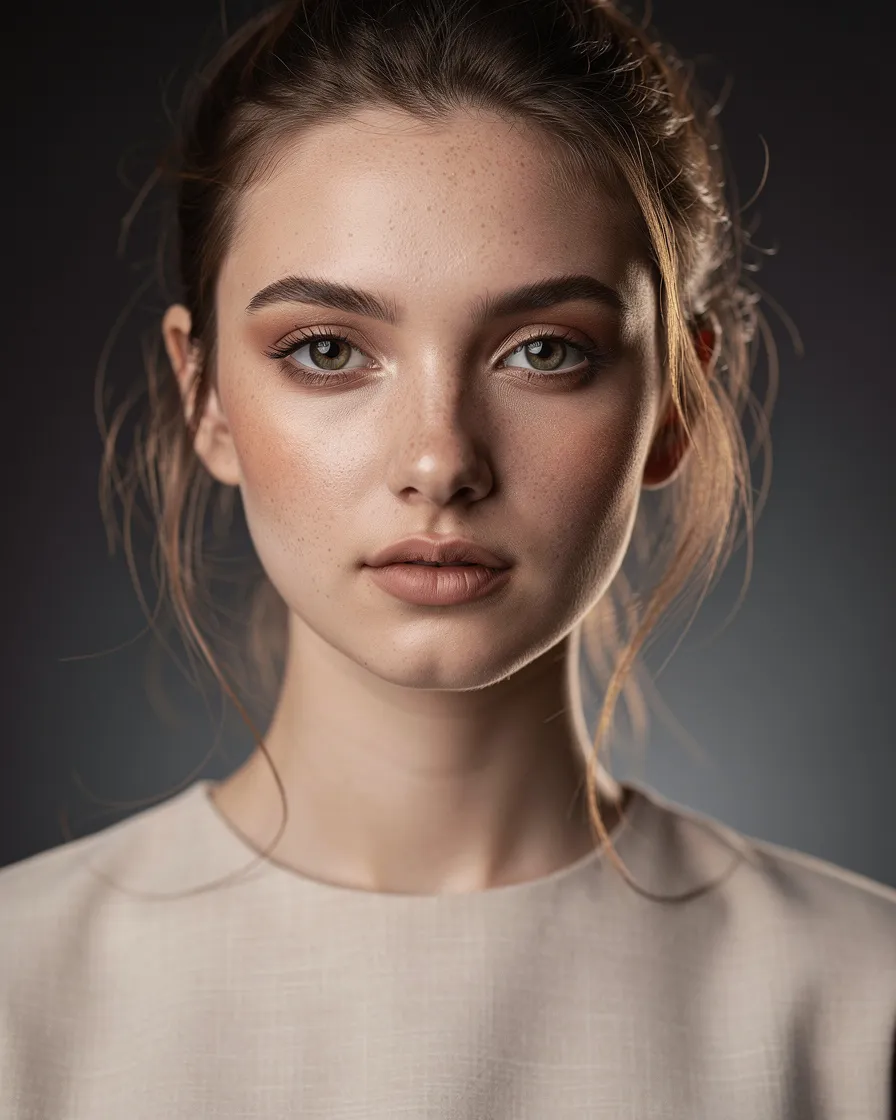
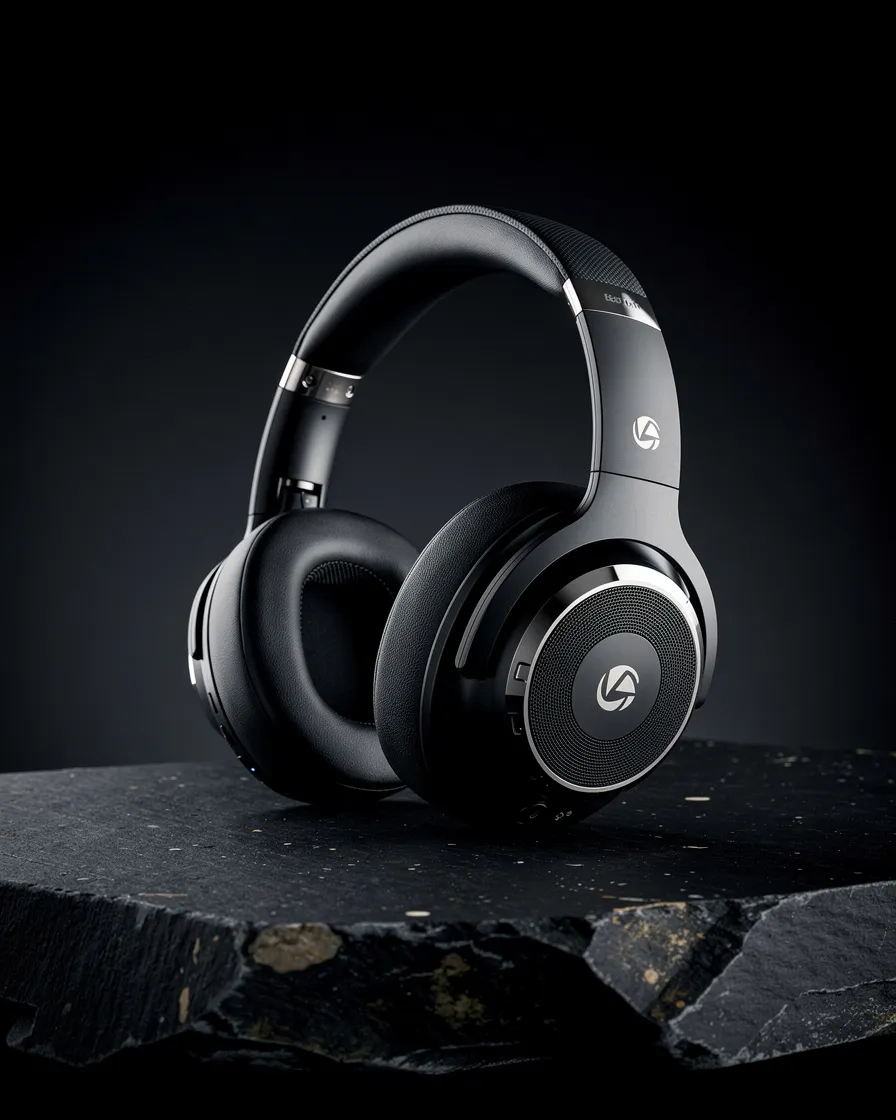
Product shots, social posts, marketing graphics, illustrations, UI mockups, character art—pretty much anything visual. Works well for edits too, like swapping backgrounds or restyling a photo while keeping the subject intact.
Is Flux 2 Klein free to try?
Yes. New users get free credits to test it out, no credit card needed. If you like it, you can buy more credits later.
How fast is it?
Most images come out in a few seconds. Fast enough to try multiple variations without waiting around. Speed depends a bit on server load, but it's generally quick.
What are reference images?
Photos you upload to guide the output. Helpful when you want the same character look across images, or need to match a particular style. You can add up to 5 per generation.
How do I get the best results?
Be specific in your prompts—describe the subject, style, lighting, colors. If you want text in the image, type the exact words. Reference images help with consistency. Try small tweaks between generations to dial in what you want.
What do I need to get started?
Just a prompt. Type what you want, hit generate. No setup, no downloads. Add reference images if you need more control.