Annual Sale!Get 30% offClaim Now→

AI Video Effects Generator
Christmas Building Decorations
Usually 2–3 min. The finished clip is also saved to My videos.
Holiday Building Effect
Turn any building photo into a festive animated Christmas scene
Holiday Building Effect examples
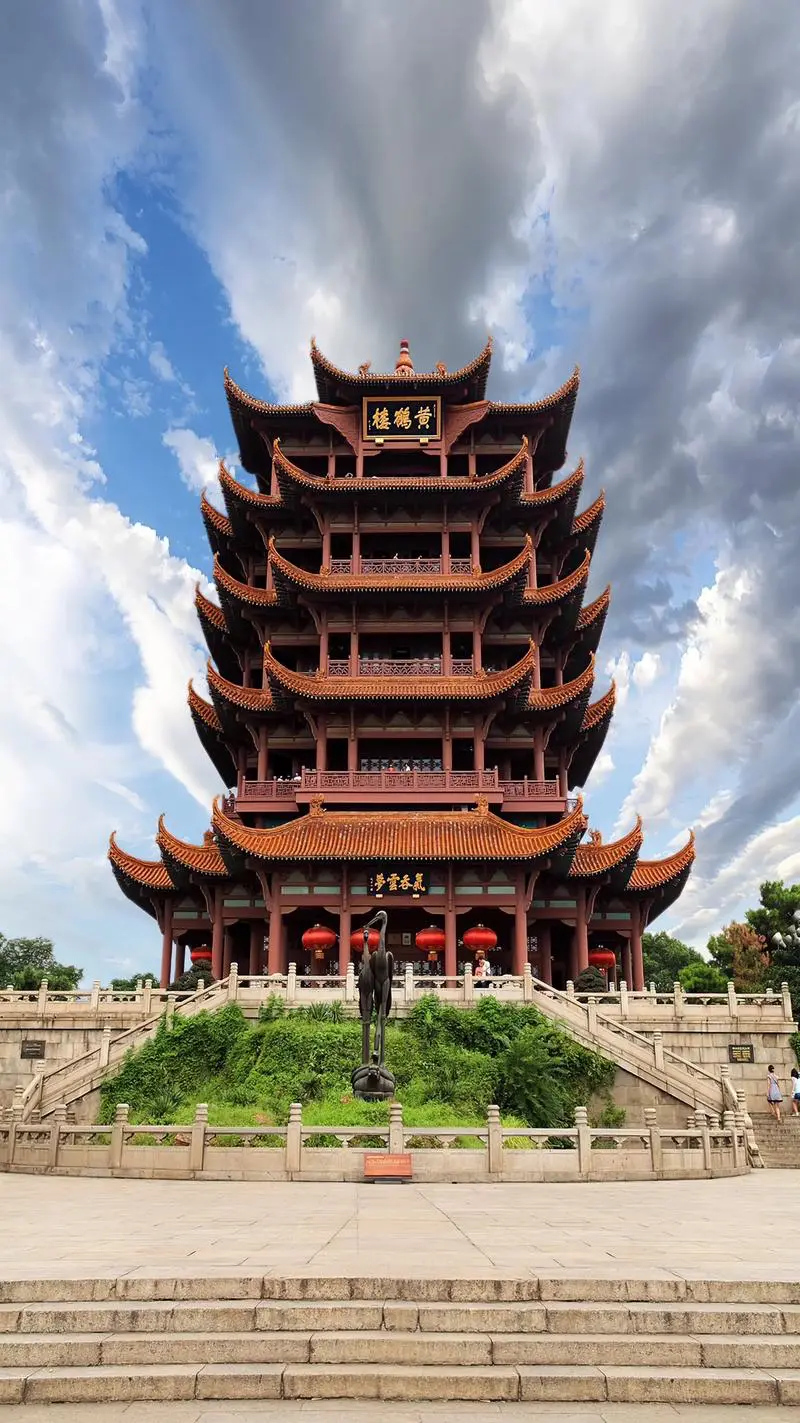
Original image
Generated video
Holiday Building Effect FAQ
Have a different question and can't find the answer you're looking for? Reach out to our support team by sending us an email and we'll get back to you as soon as we can.
What is the Christmas Building Decorations effect?
The Christmas Building Decorations effect is a Flux1 AI feature that transforms a single architectural photo into a festive holiday animation. The system decorates the building with Christmas-themed elements such as snow, lights, ornaments, and a Santa hat, then animates gentle snowfall to create a warm seasonal atmosphere. The entire effect is generated automatically and requires no prompt input.
How does this effect work on Flux1 AI?
Flux1 AI analyzes the structure of the building in the uploaded image and applies decorative holiday elements to the roof, windows, and surrounding areas. It then generates a short animation featuring snowfall and warm Christmas lighting. The effect is fully automated—users simply upload one architectural image, and Flux1 AI produces the final holiday-themed video in seconds.
What type of images produce the best results?
Clear architectural photos with visible rooftops and full building structures deliver the best outcome. Outdoor shots with natural lighting and unobstructed views allow the decorations to align properly with the building. Cropped or heavily occluded buildings may lead to inconsistent decoration placement, while indoor or non-architectural scenes are not suitable for this effect.
Are there any limitations to this effect?
Yes. In rare cases, the model may introduce additional building structures in the scene or misalign certain decorations, such as Santa hats or roof ornaments. There is also a small chance that complex architectural shapes may produce uneven results. These limitations occur infrequently and are more likely when the building is partially hidden or unusually shaped.
Can I use this effect on people, pets, or objects?
No. This effect is specifically designed for architectural photos. It performs best on buildings such as houses, temples, towers, and other structures with clear outlines. Uploading images without a primary architectural subject may result in undesired or unusable outputs, as the effect relies on detecting rooftops and structural edges.
Why does this effect not require a prompt?
The Christmas transformation uses predefined artistic logic tailored to buildings. Flux1 AI automatically applies decorations, snow, and lighting without requiring manual input. Prompts are unnecessary because the system's holiday styling rules are built into the effect itself, ensuring consistent and reliable results across different architectural images.
Is my photo safe when using this feature?
Yes. Your uploaded image is processed securely and used only to generate the animation. Flux1 AI does not store, reuse, or share your photo. Once processing is complete, the image is automatically deleted. Protecting user privacy and maintaining secure data handling are core principles of the Flux1 AI platform.
How long does it take to generate the animation?
Most Christmas building animations are generated within 20–40 seconds. Flux1 AI quickly analyzes the architecture, applies holiday decorations, and renders the snowfall animation in one unified process. Even high-resolution building photos are processed efficiently while maintaining high visual quality.