Annual Sale!Get 30% offClaim Now→

Upload Your Photo
Upload a clear photo to use our free inverted face filter online. Instantly flip your image to see the mirror effect or your true appearance.
Inverted Face Filter Effect Result
Your flipped photo will appear here.·~5s-30s


Free Inverted Face Filter Online | Mirror Flip Photo Effect
See Your True Mirror Image with the Latest Inverted Face Filter Effect
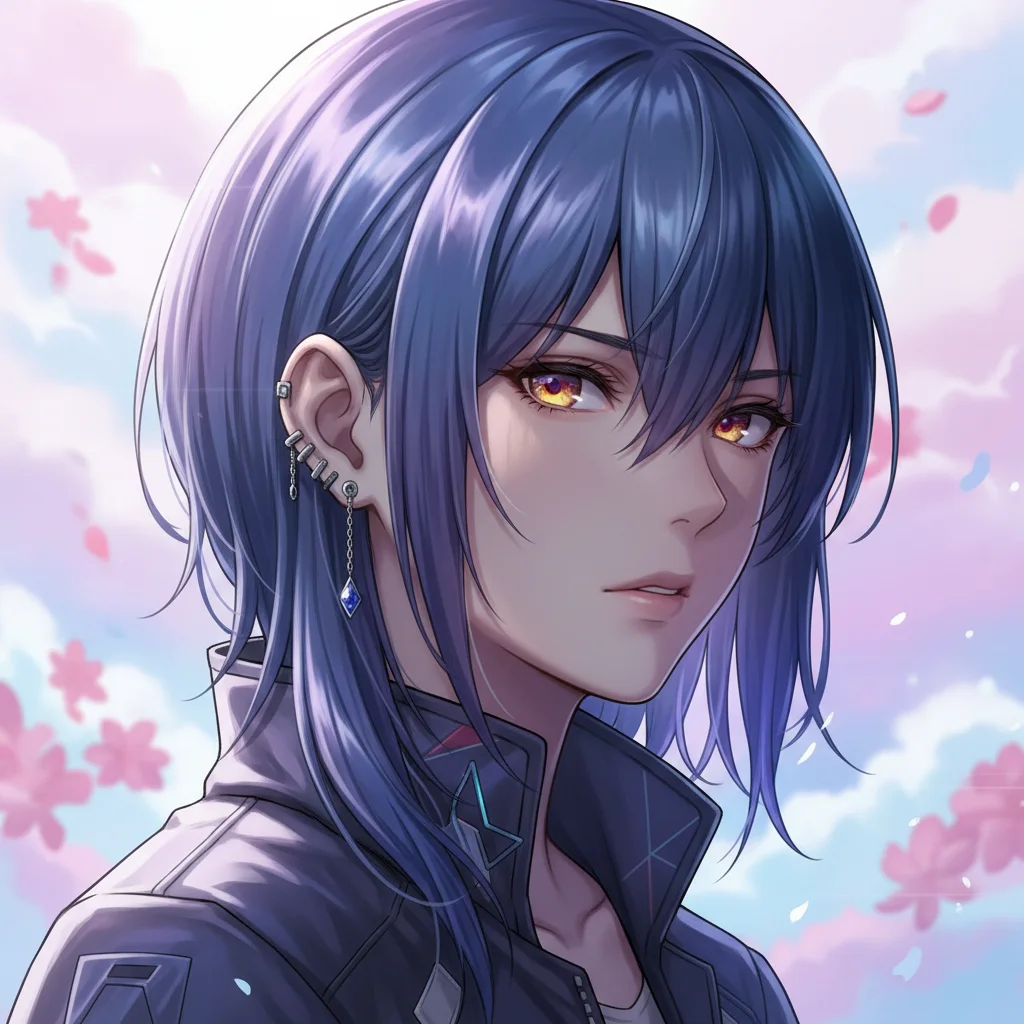
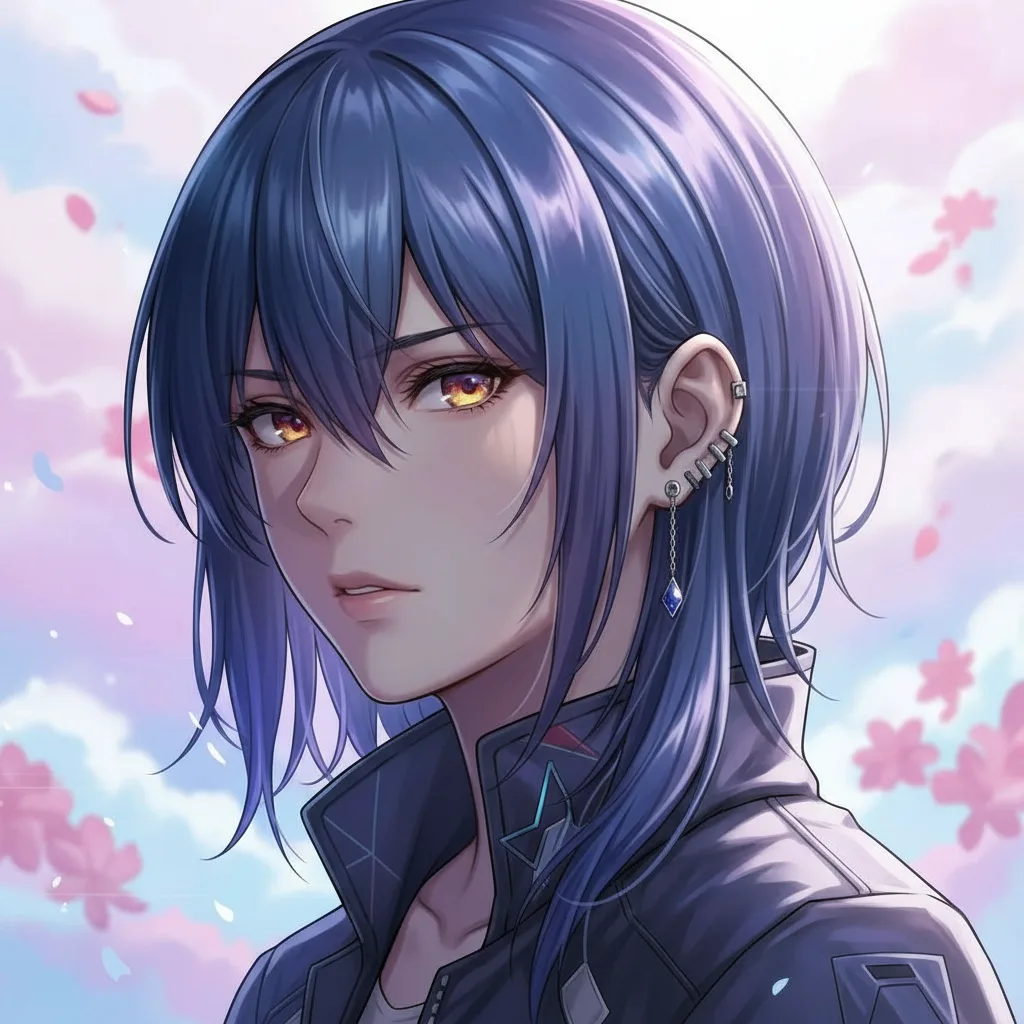
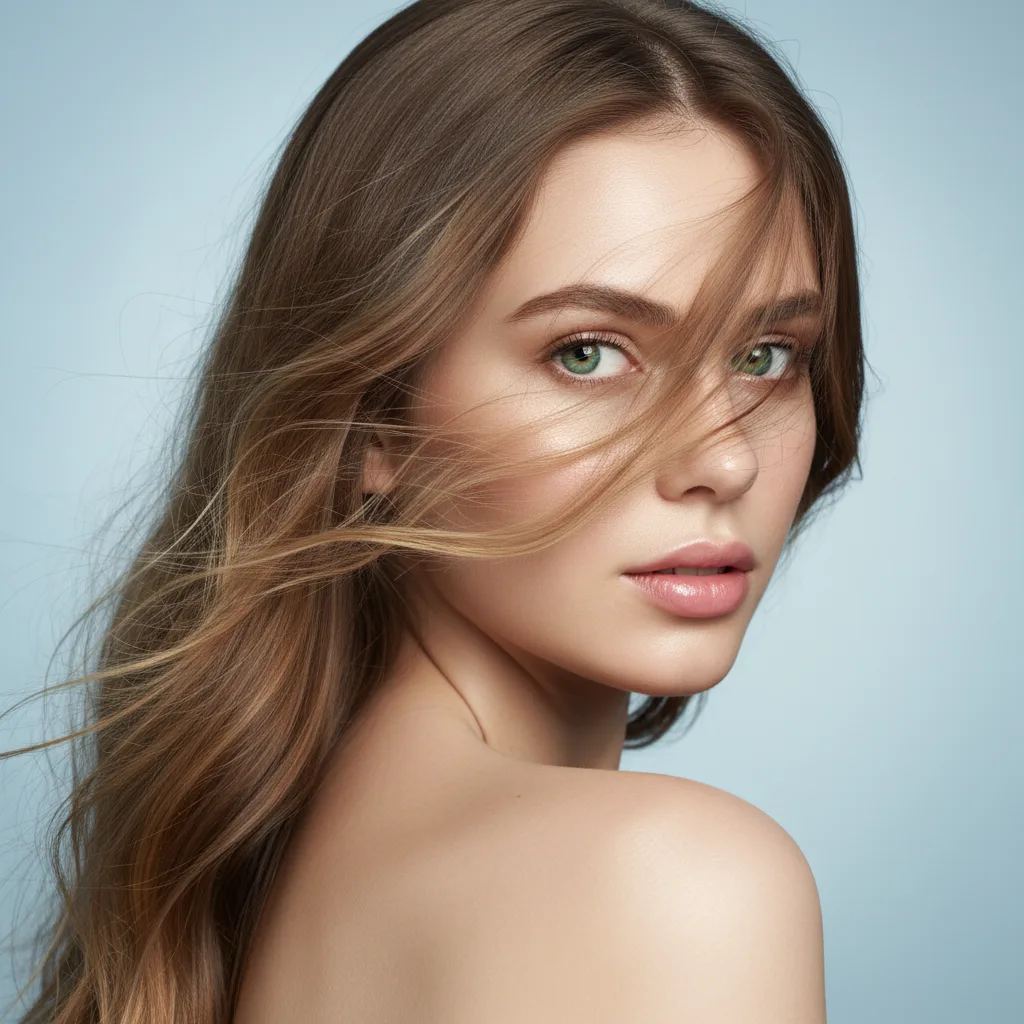
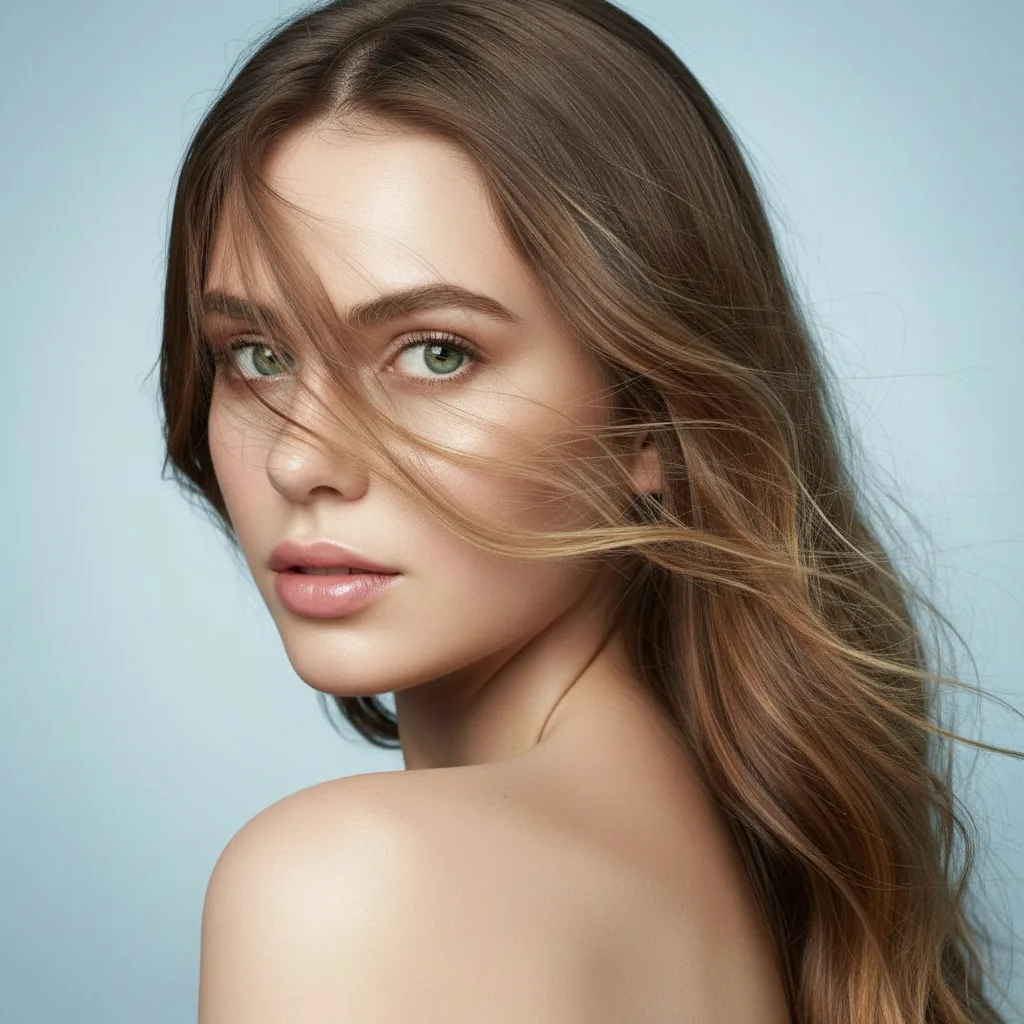
Inverted Face Filter Examples
Inverted Face Filter FAQ
Have a different question and can't find the answer you're looking for? Reach out to our support team by sending us an email and we'll get back to you as soon as we can.
What is the Inverted Face Filter?
Inverted Face Filter is a free online AI-powered photo transformation tool that flips your photo horizontally. It allows you to switch between your 'mirror image' (how you see yourself) and your 'true image' (how others see you). This helps you understand your facial symmetry and how you appear to the world.
How to use Inverted Face Filter online?
Using our inverted face filter online is simple: just upload a clear photo of yourself. The AI will instantly flip your image horizontally. This helps you verify how others see you in real life versus what you see in the mirror. The transformation is instant and preserves all the details of your original photo.
Why do I look different in the inverted photo?
Most people are accustomed to seeing themselves in mirrors, which shows a flipped version of their face. When you see an inverted (non-mirrored) photo, it can look unfamiliar because human faces are not perfectly symmetrical. The inverted face filter effect helps you see yourself as others see you, which can be quite revealing.
What type of photos work best with Inverted Face Filters?
For optimal results with inverted face filters, use clear, front-facing photos where your face is fully visible with good lighting. The filter works best with selfies or portrait photos. Avoid photos with heavy shadows, extreme angles, or obscured facial features.
Is this Inverted Face Filter free to use?
Yes! Our inverted face filter is free for new users. You receive free credits to experience the power of this online inverted face filter effect. After your free credits, you can continue creating inverted photos by choosing from our flexible subscription plans.
Is there an Inverted Face Filter app I can use?
While there are various inverted face filter apps available, our web-based inverted face filter online tool works directly in your browser without any download required. This means you can use the latest inverted face filter technology on any device—phone, tablet, or computer—without installing additional apps.
What is the difference between mirrored and inverted face filter effects?
A mirrored photo is what you see in the mirror—a horizontally flipped version of yourself. An inverted photo (often called the 'True Image') shows how others see you. This filter lets you toggle between these perspectives by flipping your photo.
What's new in the latest Inverted Face Filter?
Our latest inverted face filter uses advanced AI technology to deliver high-quality mirror flip effects. The newest version features faster processing, better image quality preservation, and works seamlessly online without any downloads.