Annual Sale!Get 30% offClaim Now→

AI Video Effects Generator
Zoo Dance
Usually 2–3 min. The finished clip is also saved to My videos.
Zoo Dance Generator
Transform a single-person photo into a playful AI dance video instantly
Zoo Dance Generator examples
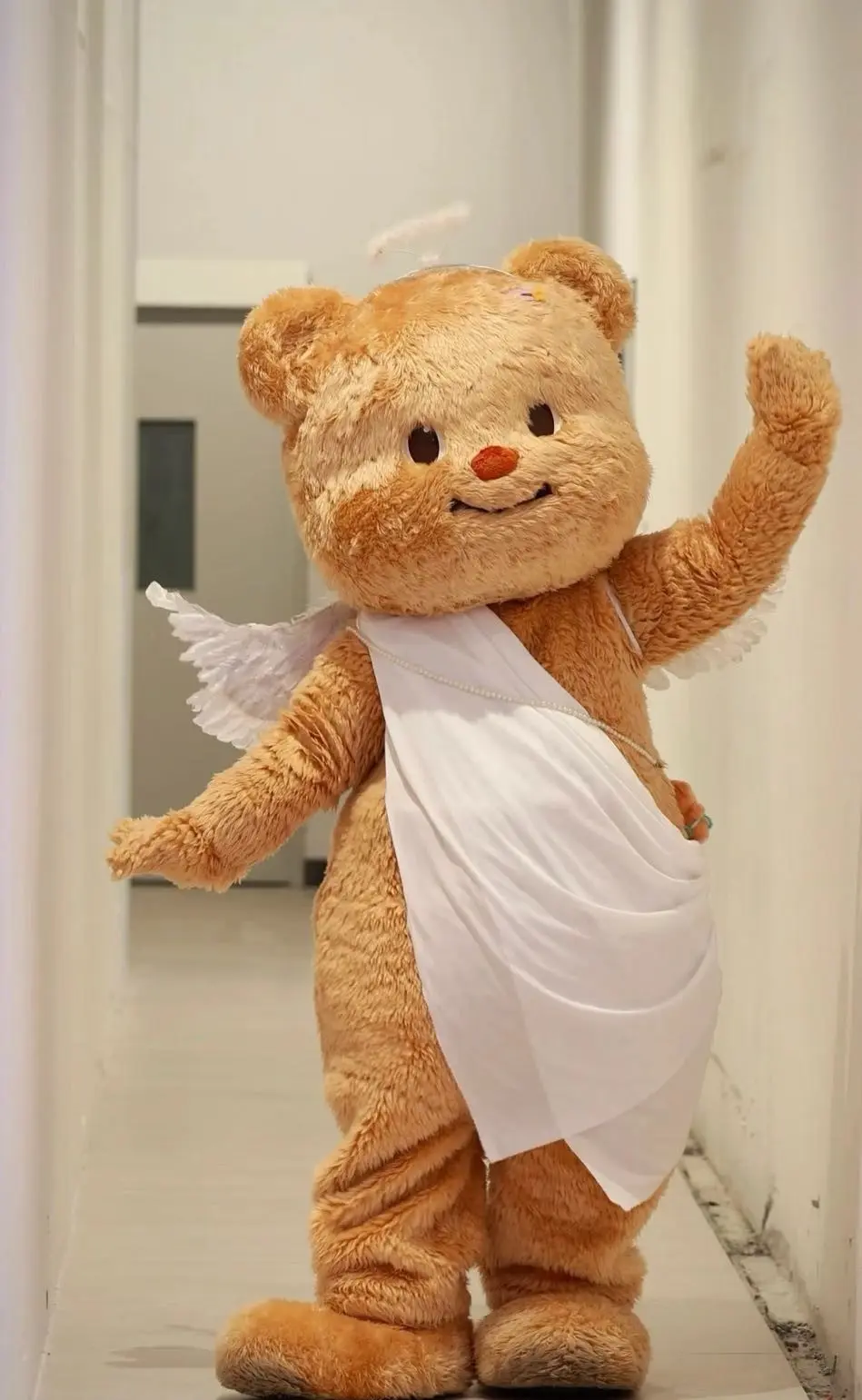
Original image
Generated video
Zoo Dance Generator FAQ
Have a different question and can't find the answer you're looking for? Reach out to our support team by sending us an email and we'll get back to you as soon as we can.
What is Zoo Dance?
Zoo Dance is an AI video effect that turns a single-person photo into a fun, animated dance video. The subject performs playful, rhythmic movements in a lighthearted style, creating an entertaining short clip automatically.
How do I use Zoo Dance?
Simply upload one image containing a single person. No prompt or additional input is required. Flux1 AI automatically detects the subject and generates the dance animation within seconds.
How many people are supported in one image?
Zoo Dance only supports images with a single person. If the uploaded image contains multiple people or pets, the generation will fail.
What type of photo works best?
For best results, use a photo where the subject is facing forward with the full body clearly visible. Avoid cropped or partially blocked body poses for smoother dance motion.
Are pets or animals supported?
No. Zoo Dance currently supports human subjects only. Images of pets or animals are not supported and may result in generation failure.
Do I need to write a prompt?
No prompt is required. Zoo Dance is fully automated — just upload the image and Flux1 AI handles the animation process.
Are there any aspect ratio requirements?
Yes. Zoo Dance supports image aspect ratios ranging from approximately 1:2 to 1:1.2. Images outside this range may not generate correctly.
Why did my video fail to generate?
Generation may fail if the image contains more than one person, includes pets, or does not meet the supported aspect ratio or visibility requirements.